
Customizing K2
How to bring new capabilities into the K2 platform.

Nintex Automation K2 is a powerful platform with many ways to customize it to meet your specific needs, but it can be challenging to know which options are available. This blog attempts to compile the most commonly used options in one place, along with a few honorable mentions for those edge cases we've all run into.
Many of the customization options listed here can be used for both K2 Cloud and K2 5.x customers, but not all. If the documentation mentions the file system or database updates, that customization won’t work for K2 Cloud.
If you want to get a deeper dive into customizations, subscribe to get updates on future posts.
The Background
K2 used to be positioned as a low-code platform, which, in my opinion, I always found a bit short-sighted. That messaging felt like it understated the software’s capabilities. Simplicity was essential to positioning K2 as something that wasn’t too complicated and accessible to the armies of citizen developers being cultivated. Still, I feel it missed the opportunity to attract the code-first crowd by highlighting what is possible.
Codi Kaji, Director of Product Management at K2, began saying that K2 is “More Code.” You can read Codi’s post and webinar on LinkedIn.
I completely agree. K2 has always included a multitude of ways to extend the platform. The appealing aspect is that customization wasn’t required to get value out of K2, but it is a powerful tool to have in your kit.
The current ways to customize K2 come in a few different flavors, depending on how you define customization. There are ways to extend the platform’s core functionality, add integrations, and enhance forms’ capabilities or presentation. The platform has also made a couple of these more advanced customizations cloud-friendly by supporting JavaScript.
Customization Options: No Code
It feels like one of the biggest challenges to the adoption of K2 customizations was the lack of knowledge about the options available.
We will start this tour of those options by looking at what is available to those who do not want to write code.
Style Profiles
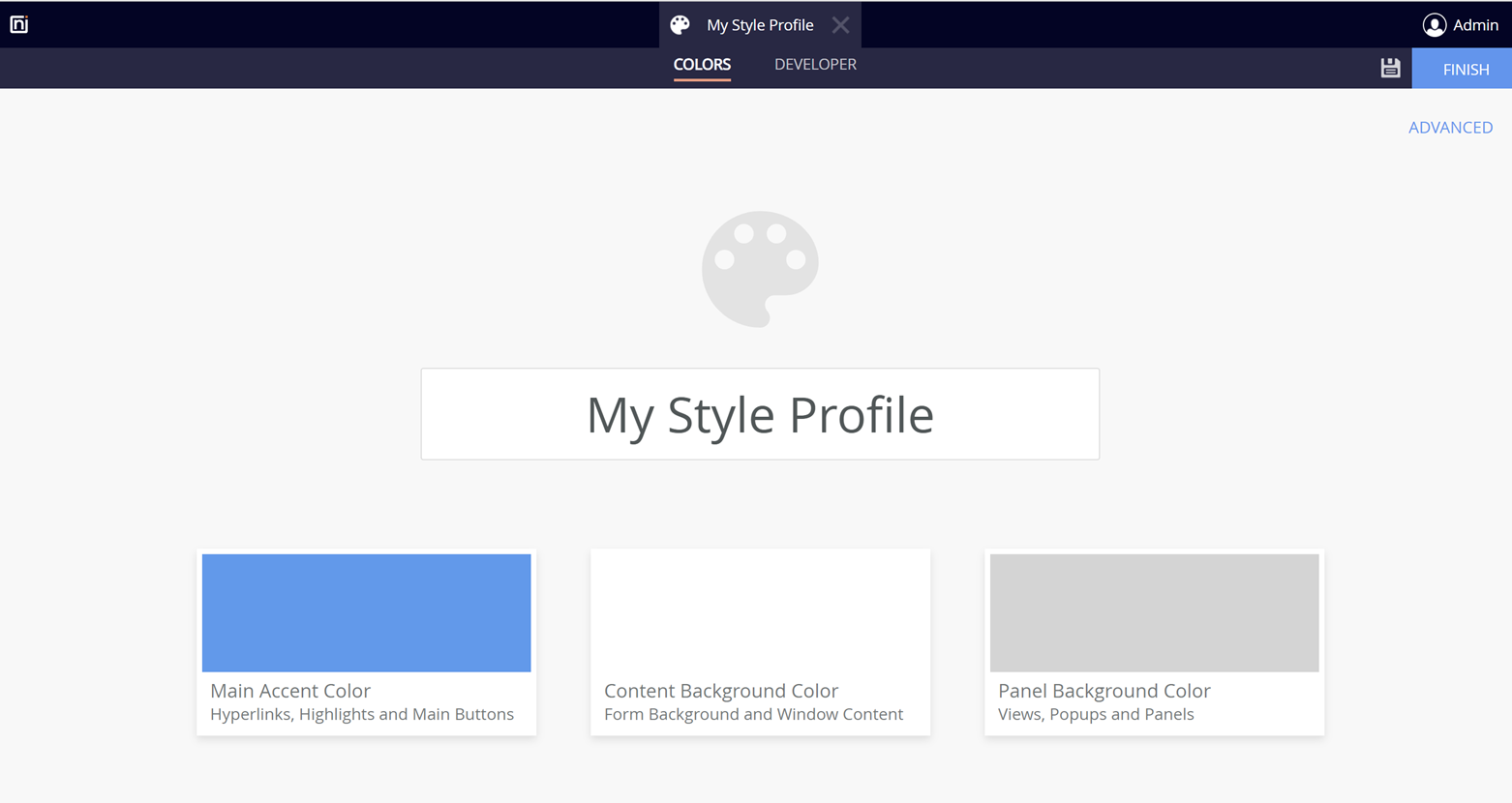
A style profile is a way to apply a consistent look and feel to a K2 form and reuse it throughout your solution. You can think of a Style profile simply as a visual designer for creating customized CSS that becomes a part of your solution as a deployable artifact. In its most basic form, a style profile requires no coding.
However, if you have a UI/UX wizard on your team, using a style profile will let them craft custom CSS and JavaScript to take things up a notch.
Nintex Gallery
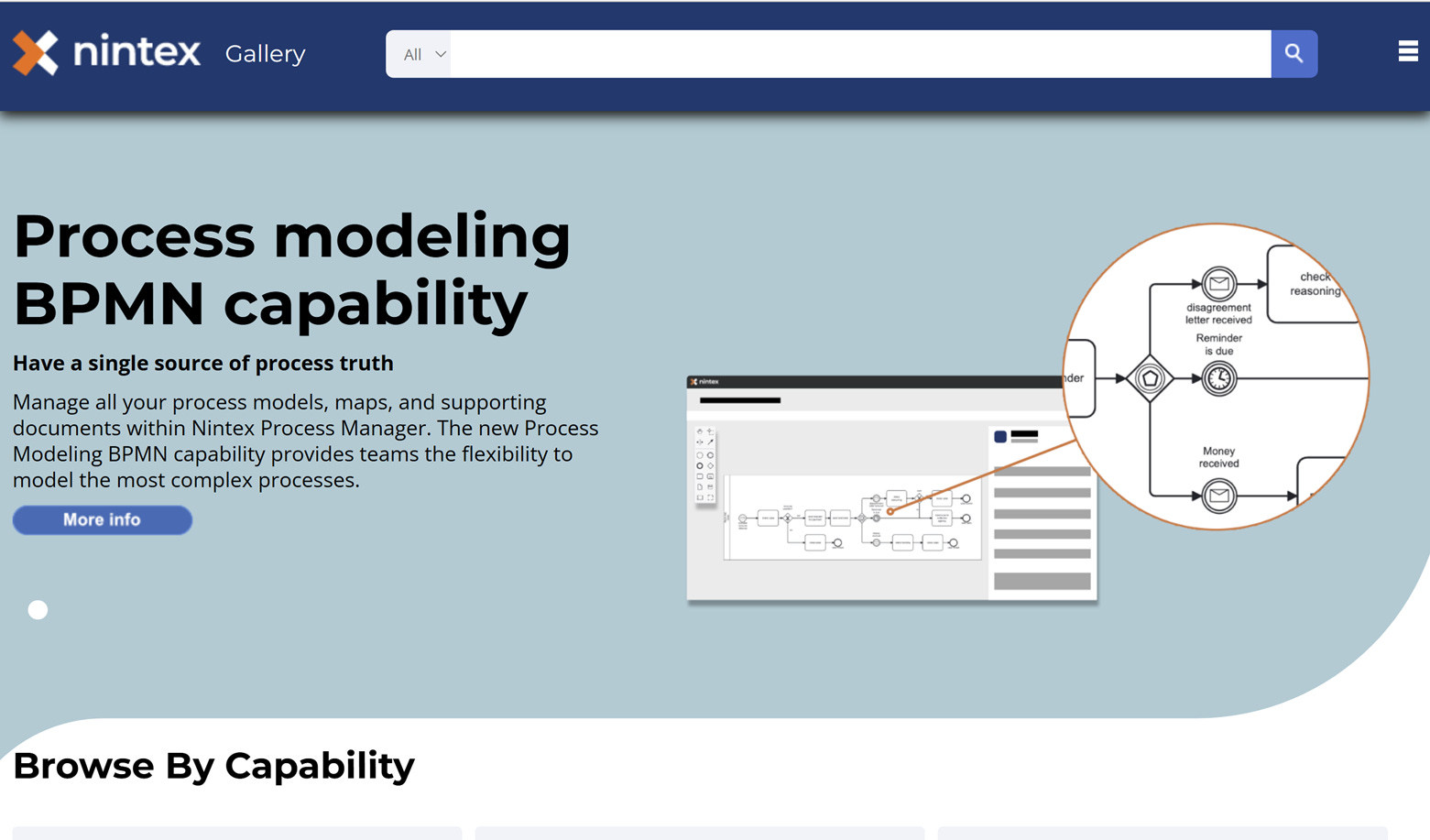
The Nintex Gallery website offers several ready-made options for adding functionality to K2, including style profiles, controls, and service brokers. These have been written by either Nintex or the greater K2 community and partners. It is an excellent way to discover new features without writing code. The gallery highlights the art of the possible.
Custom Workflow Steps
This feature needs to receive more attention.
If you have always wished there was a SmartObject call you could just drag and drop onto the design canvas instead of having to configure the call each and every time you use it, then custom workflow steps are for you, but it is much more than that.
This customization point will really shine when paired with custom service brokers, enabling developers to bring significant new features to the K2 Workflow Designer.
The documentation is an excellent source to get started, and this feature falls into the “no code” category as long as you are using it in conjunction with existing Service Brokers or ones you may have downloaded from the Nintex Gallery.
As you expand into writing your own Service Brokers, you can add the finishing touch to that new integration with a custom step.
The one drawback of custom steps is that you are limited in your ability to customize the configuration panel and can only expose the same field types that the underlying SmartObject exposes, so plan your implementation carefully and consider how you want to handle any complexity.
Customization Options: Some Code
The next class of customization options is those that can be accomplished with a bit of code, such as HTML, CSS, some JavaScript, or maybe a line or two of C#.
Style Profiles (Advanced)
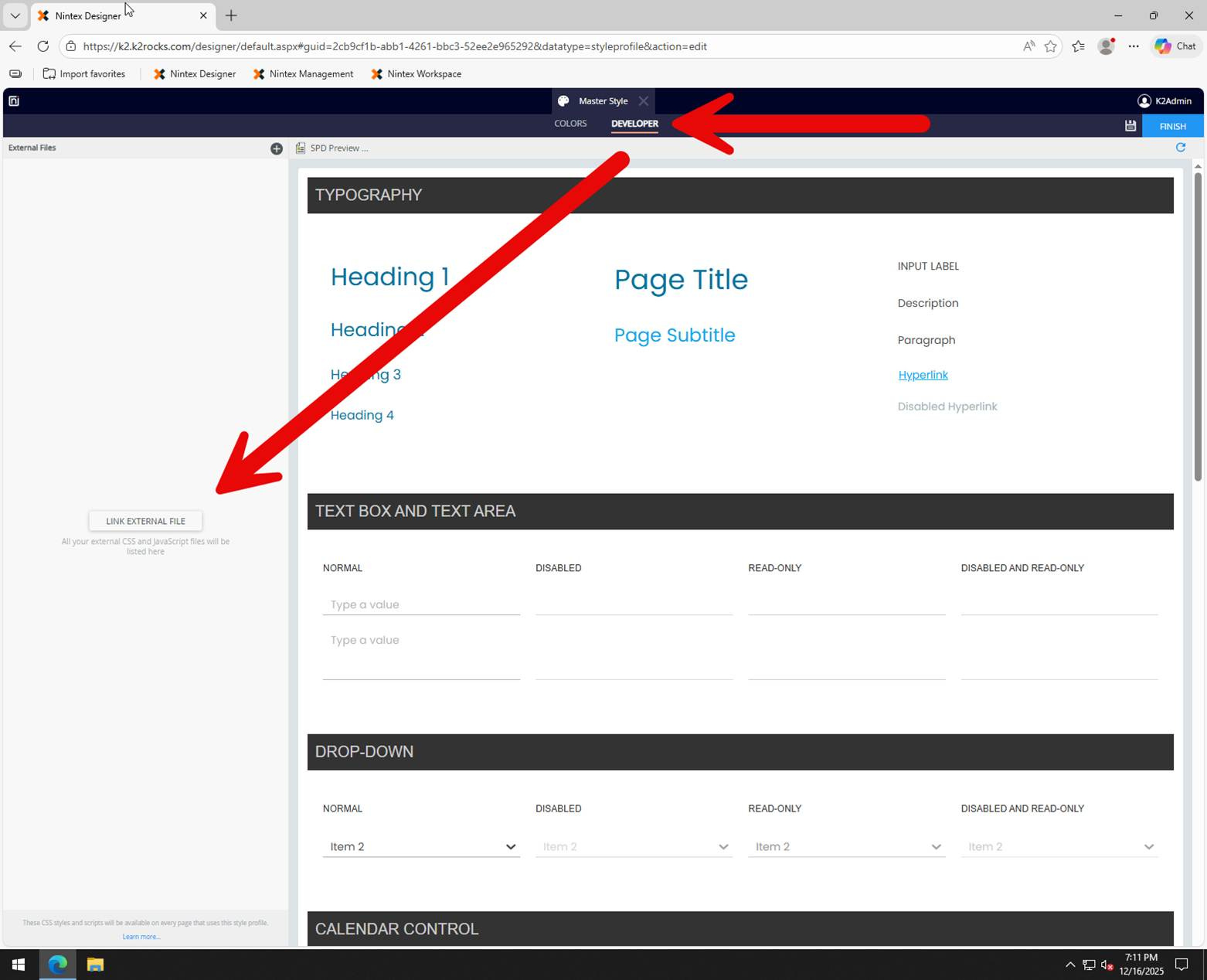
Style profiles get a mention here. While you can use style profiles without any code, the developer tab lets your UI guru attach custom CSS to enhance and go beyond the designer configuration approach. The documentation can be found here.
Email Notification Templates
Another one of those customizations that has fallen through the cracks is the ability to customize task notification emails. However, it is on the fringe for a reason. The email templates are installed by K2, so your changes could be overwritten during an upgrade. If you choose modify the template, be sure to keep a copy of your changes for future updates.
I couldn’t find a current help article, but there was a community post from a few years ago that covered the basics. You can find it here.
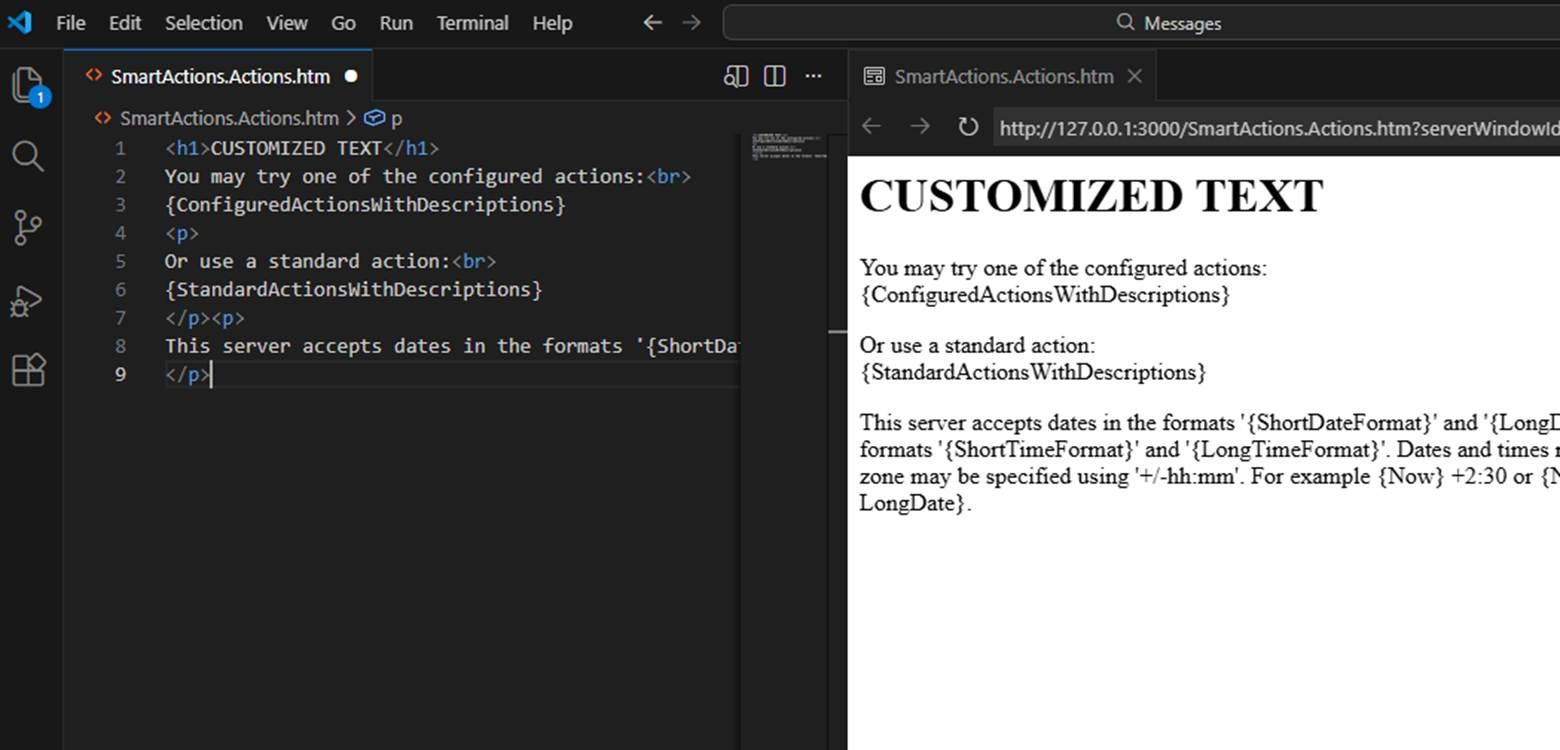
This customization will be global to the K2 server and needs to be configured on each node in a K2 server farm, since the templates are stored on each server node's file system.
The template files are located at “<Installation Folder>\K2\Host Server\Bin\Templates\Messages”.
If you think this is a feature you would like to see made a first-class part of the K2 customization story, give it an up vote on Nintex Ideas: Task Notifications Email Templates | Nintex Ideas
Custom Themes
Before style profiles, the only way a developer could refine SmartForms' appearance in a reusable manner was to create a custom theme. I feel that style profiles have superseded this feature, and using a custom theme requires database manipulation and manual deployment of supporting files to all the servers in a farm. If you find yourself with an edge case that isn’t covered by the style profiles, here is the documentation: Custom Themes.
Custom Inline Functions
Custom inline functions walk the line between “some code” and “more code,” as it depends on your design goals. Inline functions are intended to be basic; many can be implemented in just a few lines of code. The functions are meant for manipulating data inline, such as formatting a date, or a recent one I created that uses a regular expression to perform text replacement in a string (blog coming soon).
Read more about inline functions here: Custom Inline Functions.
Customization Options: More Code
These last two options are where you can bring a lot of new capabilities to the K2 platform and are THE extension point for a K2 developer to introduce custom code to address several scenarios.
For Nintex Automation K2 version 5.9, these options come in two flavors for on-premises installations: .NET and JavaScript. K2 Cloud only JavaScript is available.
Custom Controls
SmartForms can be extended with new form controls by either creating new .NET user controls or, as of 5.9, a web component. Check out Nintex Gallery for some examples of custom controls.
A little-known fact is that K2 uses Telerik controls for many of the UI controls in the platform today, and that DLL is on the file system and could be used to bring other controls to SmartForms that Nintex hasn’t implemented. There was a drive back in the day to add grid control to SmartForms using the Telerik grid view control. Maybe one of you out there is up for the challenge.
Hint: The library in question is located at “<Install Location>\K2\K2 SmartForms Designer\bin\Telerik.Web.UI.dll”
With the web components approach, the K2 team has provided a prototyping and test environment that allows the creation of new SmartForms controls independent of a K2 environment. This “Control Dojo” is one of the more compelling additions to the customization story in a long time. Check it out on GitHub and give Control Dojo a star.
Documentation:
SmartForms Custom Controls (.NET)
Custom controls in Management (Web Component)
Service Brokers
Service brokers are what provide the “smarts” in SmartObjects. They serve as integration points for other lines-of-business systems to move data, perform actions, or be created to expose bespoke functionality. The limit is your imagination.
Service brokers can be written as either a .NET DLL or written entirely in JavaScript. There is roughly 80% feature parity between the two methodologies, and any differences at this point are some particular edge cases.
Documentation:
Custom Service Brokers (.NET)
Introduction to the JavaScript Service Provider (JavaScript)
Customization Honorable Mentions
Finally, here are a few honorable mentions that I felt were worth including, as they have come up with past customers, and you should at least be aware that these options exist.
Custom User Manager: https://help.nintex.com/en-US/nintexautomation/devref/5.9/Content/Extend/Svr/UM-Creating.htm
Custom Log Provider: https://help.nintex.com/en-US/nintexautomation/devref/5.9/Content/Extend/Svr/Logging.htm
Custom Fonts: https://help.nintex.com/en-US/nintexautomation/devref/5.9/Content/Fonts/Custom-Fonts.htm
Custom Special Formats: https://help.nintex.com/en-US/nintexautomation/devref/5.9/Content/Formats/Formats.htm
Hope you find this helpful. Subscribe for future posts, as I am going to go into depth on several of these, especially custom controls and service brokers.